AI Task Management Automation Tools for Small Business Owners
Your team is drowning in scattered WhatsApp messages, missed deadlines, and tasks nobody owns. That chaos is exactly why small business owners start hunting for AI task management tools, only to find that most platforms still force everyone onto yet another dashboard nobody opens.
This article gives you concrete criteria for evaluating AI task management automation tools, from key features worth prioritizing to pricing and ease of adoption. You will get a clear look at six options, starting with Tasks.Bot, and finish with the criteria to make a confident decision.
What to Look For in AI Task Management Automation Tools
AI task management automation tools combine artificial intelligence with workflow automation to help small business owners assign, schedule, and track tasks more efficiently. Instead of juggling spreadsheets, sticky notes, and scattered chat threads, these platforms centralize work and let software handle the busywork.
Under the hood, they rely on machine learning, natural language processing, and chatbots or virtual assistants to interpret requests, draft schedules, and surface what needs attention next. The payoff for a lean team is real: less manual effort, smoother team collaboration, and tighter deadline tracking.
The sections below break down what separates a genuinely useful tool from one that just looks impressive in a demo.
Key Features Small Business Owners Should Prioritize
When evaluating AI task management tools, small business owners should prioritize features that directly address their daily operational pain points, such as smart reminders, deadline tracking, and seamless team collaboration. The right mix depends on how your team works, but a few capabilities consistently earn their keep.
- Smart reminders: automated nudges that flag upcoming deadlines before they slip, cutting down on missed handoffs.
- Deadline tracking: visual timelines and alerts that show which tasks are at risk, so nothing quietly goes overdue.
- Task scheduling: AI-assisted prioritization that orders work by urgency and impact, reducing guesswork each morning.
- Team collaboration: shared task lists, comments, and mentions that keep everyone on the same page without extra meetings.
- Recurring tasks: automation for repetitive work like invoicing or weekly reporting, so no one rebuilds the same list.
- Time tracking: logged hours that support payroll accuracy and reveal where productivity actually goes.
- No-code automation: simple setup that lets non-technical owners build workflows without writing a line of code.
Each of these features solves a specific friction point. Smart reminders and deadline tracking reduce the risk of missed commitments, while task scheduling and recurring tasks give back hours otherwise spent planning and re-planning.
Collaboration features matter most for teams of three or more, where context gets lost between conversations. Time tracking earns its place when you bill clients or need to justify headcount.
No-code automation is the quiet differentiator. If a tool requires developer help to configure, most small businesses never get past the default setup, and the productivity gains stay theoretical.
Pricing, Scalability, and Ease of Adoption
Pricing models for AI task management tools vary widely, from per-user monthly fees to tiered plans, and scalability ensures the tool grows with your team without major disruptions. Understanding the structure matters more than the sticker price.
Per-user pricing is predictable as you add people but can climb quickly. Flat-rate plans suit stable teams, though they often cap seats or features. Free trials help you test fit before committing, but read the fine print for limits on automation runs, storage, or integrations.
Watch for hidden costs too. Onboarding fees, premium support tiers, and charges for advanced automation or API access can quietly inflate the real bill. Estimate your total cost of ownership over a year, not just the first month.
Scalability covers three things: adding users without a pricing cliff, handling a growing volume of tasks and projects, and connecting to the rest of your stack. API integration and CRM integration let the tool share data with accounting, sales, or email automation platforms instead of becoming another silo.
Ease of adoption decides whether any of this sticks. A user-friendly interface, cloud-based accessibility, and minimal training requirements mean your team starts using it in days rather than weeks.
Look for transparent pricing pages, a straightforward onboarding path, and documentation you can actually follow. A tool that takes a month to configure rarely delivers returns in the first quarter, no matter how capable it is on paper.
1. Tasks.Bot - Best Overall
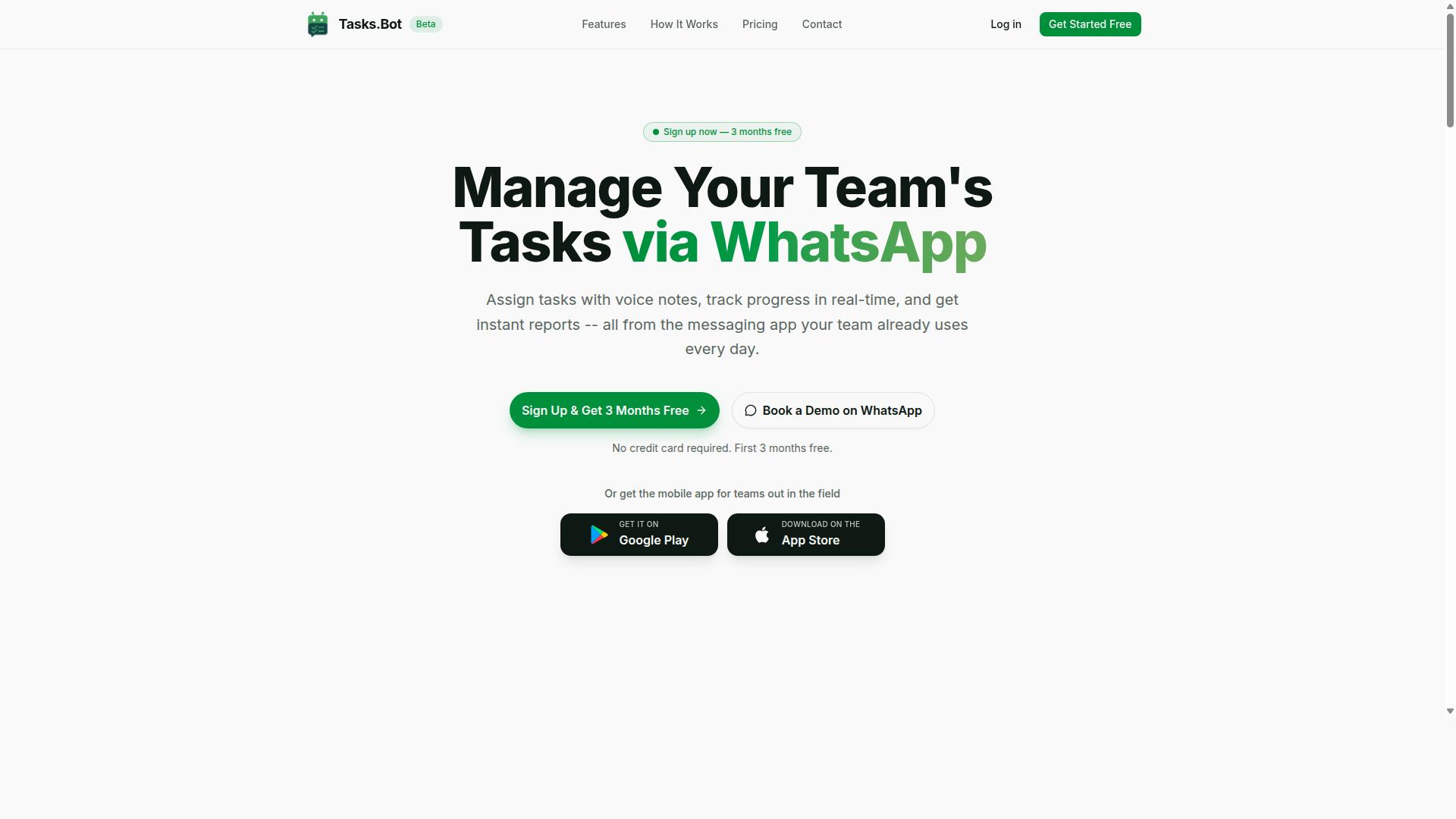
Tasks.Bot earns the top spot for its unique WhatsApp-native approach, making AI task management accessible without new app installations. Instead of asking small business owners to adopt yet another dashboard, it meets teams inside the messaging app they already check dozens of times a day.
That design choice matters for small business owners who juggle operations, staff, and customers at once. The platform uses AI to understand natural language and voice notes, so creating a task feels as casual as sending a message to a colleague.
The sections below break down how the WhatsApp workflow functions, what the field team tools include, and what the pricing looks like.
WhatsApp-Native Task Management with AI Voice Notes
Tasks.Bot leverages WhatsApp's ubiquity to let team members create tasks via voice notes or text, with AI parsing natural language to assign and schedule automatically. A supervisor can speak a quick instruction after a site visit, and the system turns it into a structured task with an owner and a due date.
The platform applies natural language processing to understand user intent, so there is no form to fill out and no field to configure. That removes the biggest barrier to task management adoption: the learning curve.
Key capabilities include:
- Voice note task creation
- Automatic task assignment
- Smart deadline reminders
- Approvals and automations
- Instant reports
- Tasks on a map
- Live day tracker
- Face-verified attendance
- Shifts, leave, and hours management
Because everything runs through native WhatsApp integration, no new accounts or app installs are required for the core workflow. Team members who are already comfortable with chat need almost no training.
For a small business, that means workflow automation arrives without an IT project. Owners get visibility into who is doing what, while staff keep working the way they already do.
Field Team Tools, Pricing, and Free Trial
Tasks.Bot is particularly suited for teams with field staff, offering attendance tracking, payroll-ready hours, and a mobile app alongside its WhatsApp interface. Face-verified attendance helps confirm that check-ins reflect a real presence on site.
The Android and iOS apps add push notifications, voice capture, and a home screen widget for quick access. Shifts, leave, and hours management keep scheduling and payroll data in one place, which supports more accurate resource allocation.
Pricing is straightforward. The Full Access plan includes every feature, with currency options for Indian Rupees and US Dollars.
| Plan | Price | Notes |
|---|---|---|
| Monthly | ₹200 per member per month | Full Access, all features |
| Annual | ₹1,200 per year per member | Save 50%, save ₹1,200/yr per member |
New users get 3 months free, no credit card required, and can cancel anytime. The service is currently in beta, a refund policy applies, and a demo can be booked on WhatsApp.
For teams already running on WhatsApp, especially those managing field staff, this keeps operational cost reduction simple: one plan, no add-ons, and a trial that lets owners judge fit before paying.
2. Reminderly.ai
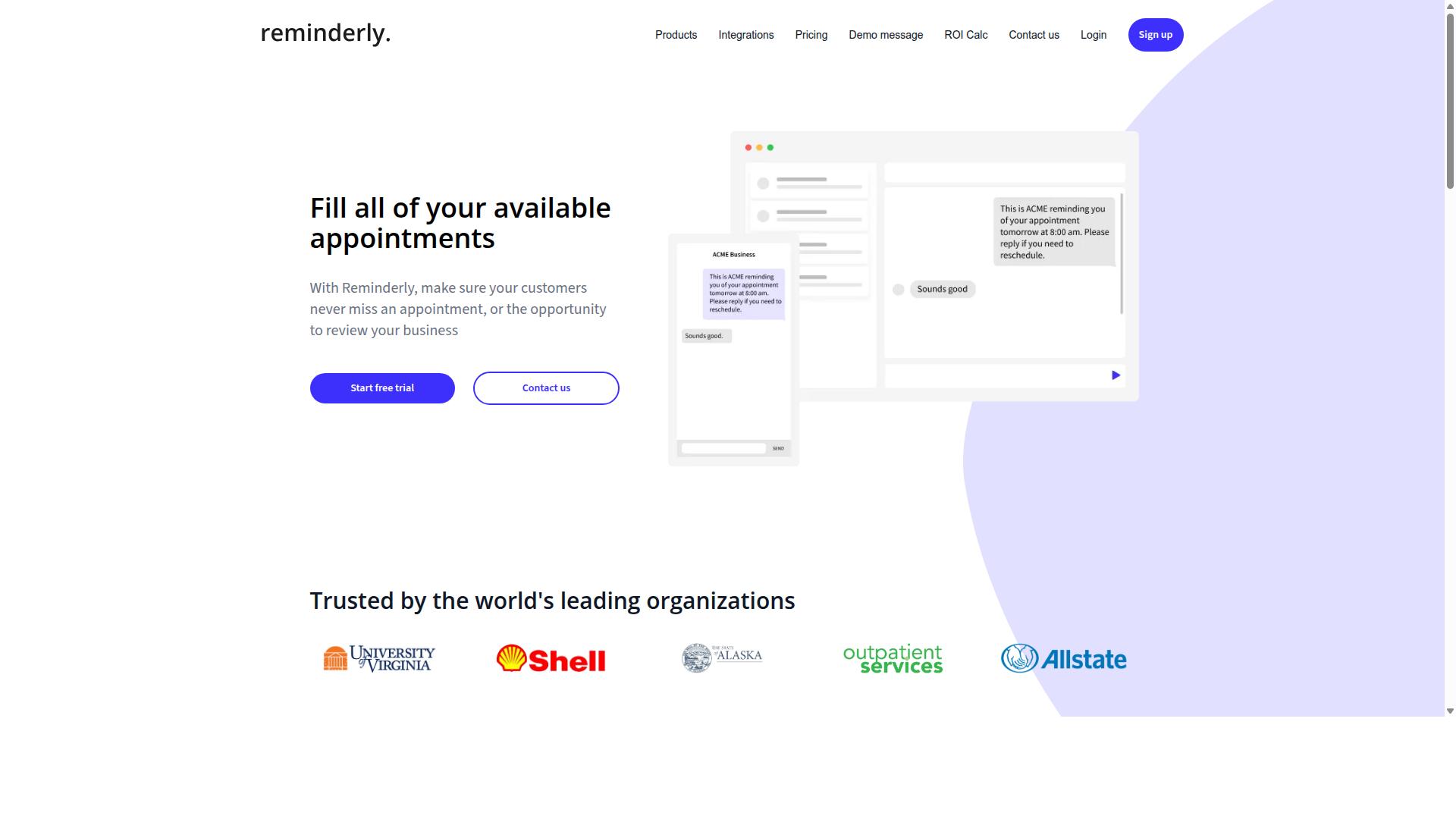
Reminderly.ai focuses on AI-driven reminders and task scheduling, helping small teams stay on top of deadlines without manual follow-ups. Its core appeal is straightforward: instead of relying on people to remember what comes next, the tool works in the background to surface tasks and nudges at the right moment.
The platform generally fits into the smart reminders category of AI task management. Rather than managing full projects end to end, it tends to concentrate on keeping individuals and small groups aware of what is due. That makes it a reasonable fit for deadline tracking in teams that already have a system for organizing work.
Typical capabilities in this space include calendar sync, email-based reminders, and recurring tasks. Some tools also connect with popular productivity software so reminders appear where users already spend their time. Exact integrations and features can change over time, so it is worth checking current documentation before committing.
For small business owners, the main question is whether reminder-focused automation covers enough ground. If your pain point is missed follow-ups, a tool like this can help. If you need broader workflow automation, project management, or team collaboration in one place, a fuller platform may serve you better.
3. TaskRio
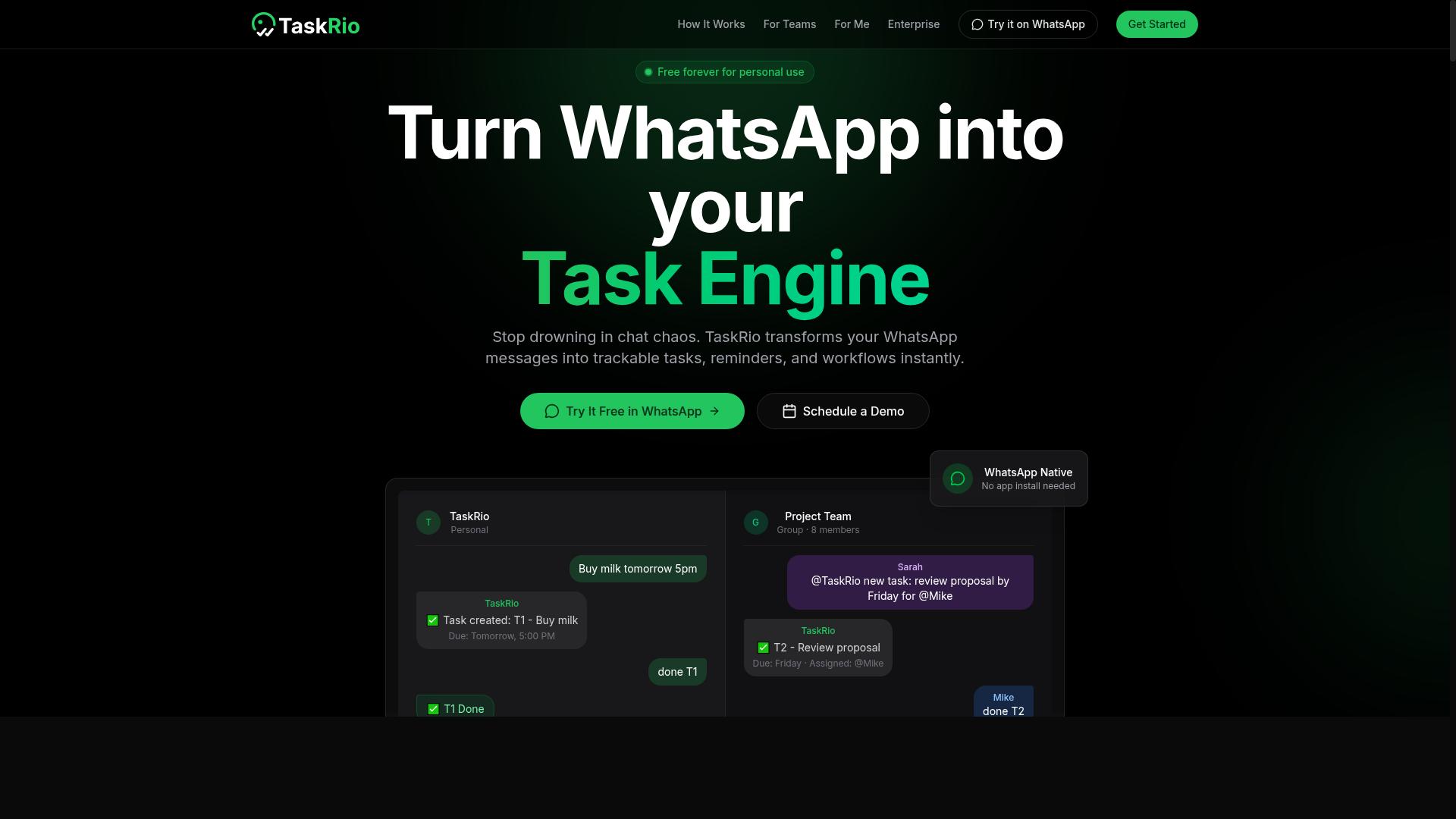
TaskRio offers a blend of task management and project management features, with AI aiding in workload balancing and priority setting. It sits in the middle ground between lightweight to-do apps and full-scale project platforms, which makes it a reasonable fit for small teams that have outgrown simple checklists but are not ready for enterprise software.
Team collaboration is a central part of the product's positioning. Multiple people can share boards, assign work, and track progress in one place, which supports team collaboration and workload balancing across a small group rather than a single user.
TaskRio is also generally described as connecting with customer relationship management systems, so client-related tasks can flow into the same workspace as internal project work. That kind of CRM integration can reduce the back-and-forth between sales and delivery teams.
Because public information about TaskRio is limited, small business owners should verify current features, pricing, and integration support directly before committing. Treat it as a category option worth comparing, not a guaranteed fit.
4. Karo.bot
Karo.bot is a chatbot-style task management tool that uses conversational AI to help teams assign and track tasks. Rather than asking users to learn a new dashboard, it leans on the messaging apps people already keep open all day.
Based on how this category of tool typically works, Karo.bot likely operates through chat interfaces such as Slack or WhatsApp, using natural language processing to interpret commands typed in plain language. A user might ask it to create a task, set a reminder, or pull a status update without touching a form or dropdown menu.
Common capabilities in this segment of AI task management include:
- Task creation from a simple chat message
- Smart reminders and deadline tracking
- Basic reporting on what is done, pending, or overdue
- Assignment of work to specific team members
Small business owners who dislike traditional productivity software often find this conversational approach easier to adopt, since there is little to no setup involved. The trade-off is usually depth. Chat-first tools tend to handle lightweight coordination well, while complex project management or resource allocation may still need a fuller platform.
Specifics around Karo.bot's integrations, pricing, and feature set are not publicly documented in the sources reviewed here, so buyers should confirm those details directly before committing. Treat it as one option in the broader field of chatbots and virtual assistants rather than a complete workflow automation suite.
5. The Sarah AI
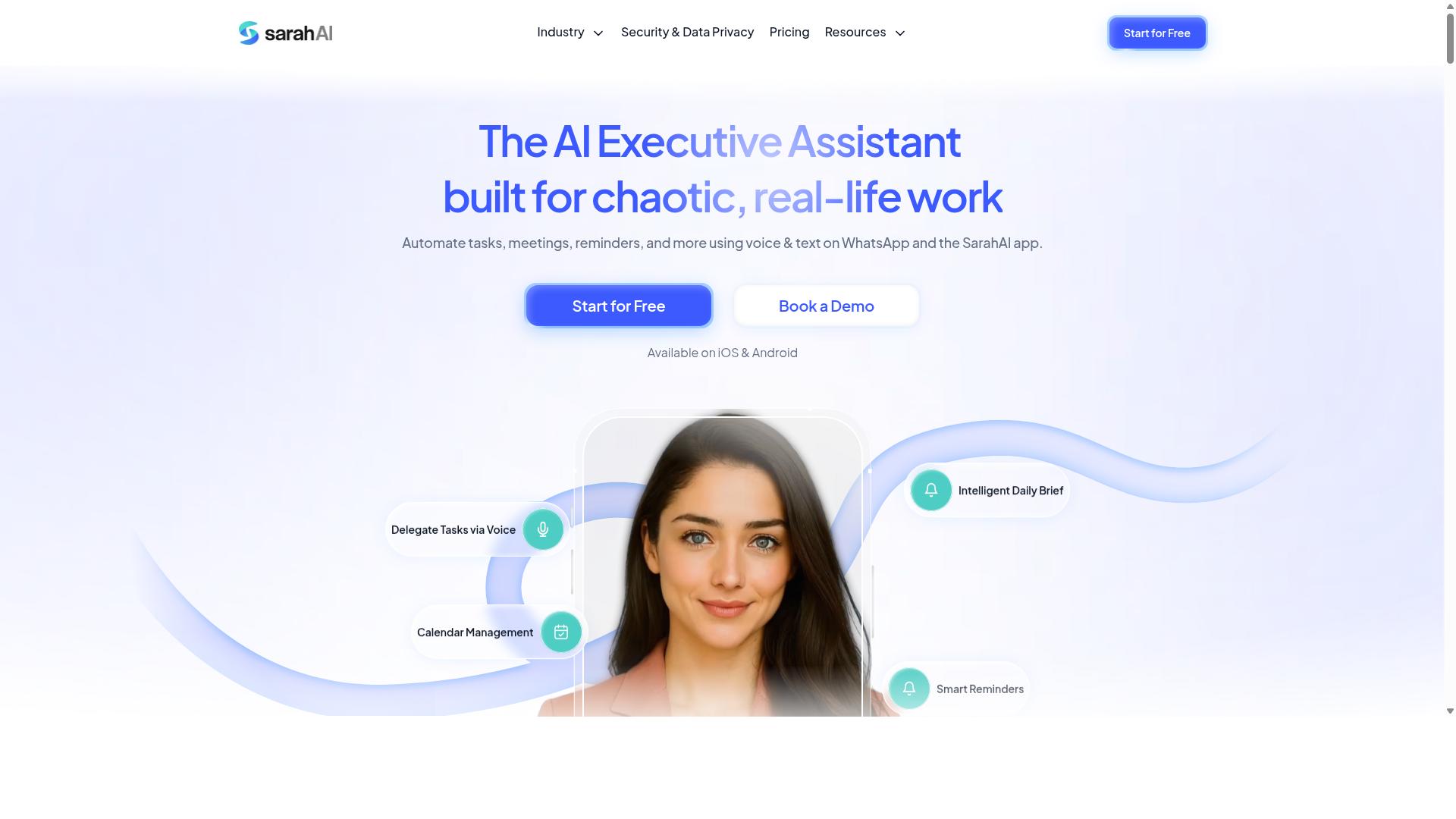
The Sarah AI positions itself as a virtual assistant for task management, automating scheduling, reminders, and follow-ups for busy professionals. Based on publicly available information, it appears aimed at small business owners and teams who want everyday coordination handled with less manual effort.
The product's positioning leans on AI-driven personal assistance rather than full project management. That means the emphasis falls on keeping a calendar organized, prompting users about upcoming commitments, and reducing the back-and-forth that comes with coordinating a busy week.
Its likely strengths include email and calendar integration, natural language interaction, and smart reminders that adapt to how a user works. For a solo owner or a small team, that combination can cover scheduling, deadline tracking, and routine follow-ups without adding another complex system.
Because verified details about The Sarah AI are limited, treat this as a general category overview rather than a confirmed feature list. Small business owners evaluating it should check the current website for supported integrations, pricing, and platform availability before committing.
6. Zoye AI
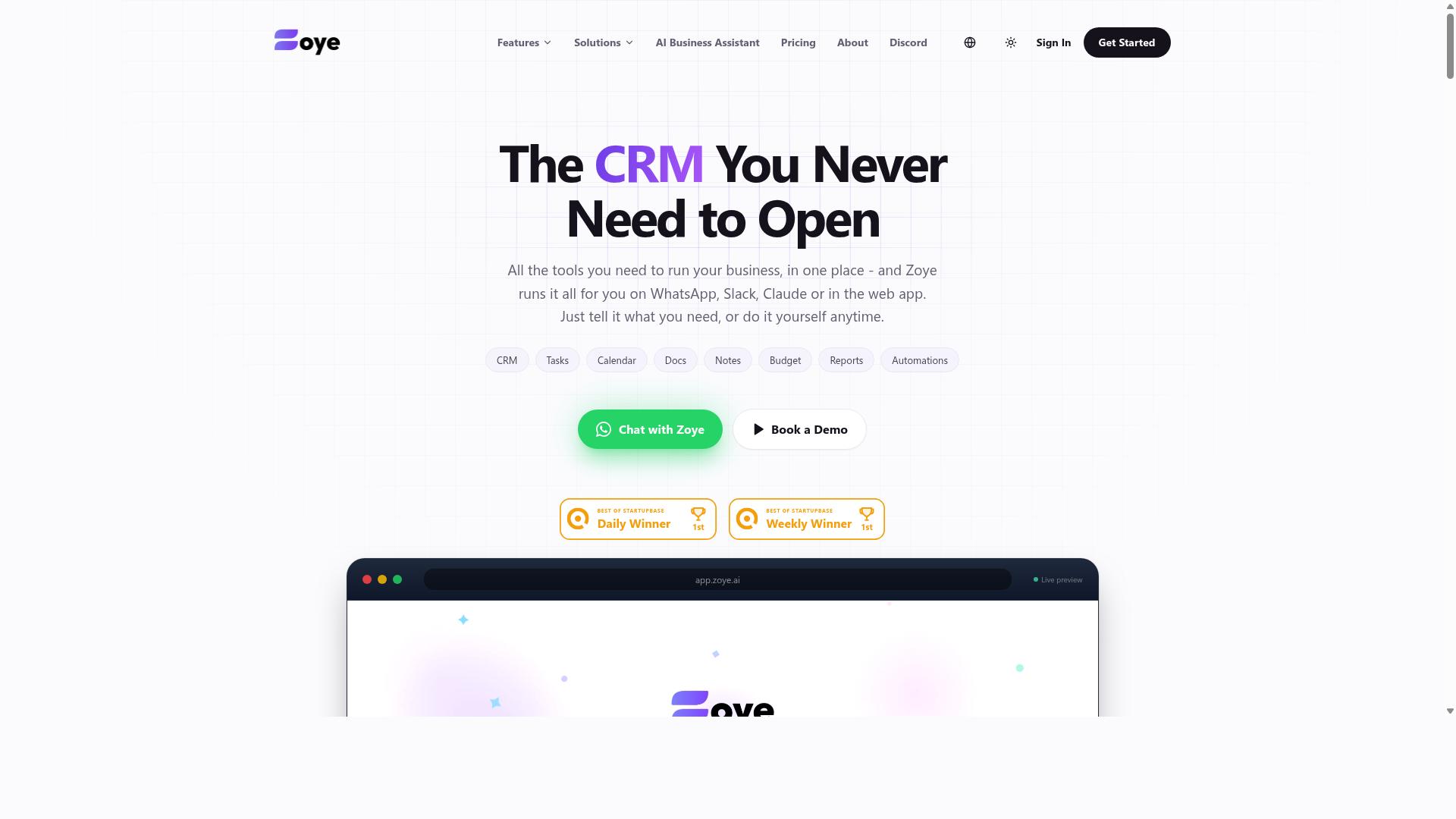
Zoye AI emphasizes workflow automation and team collaboration, using AI to streamline task assignment and progress tracking. It positions itself as an option for teams that want to automate routine processes without writing code. Small business owners who lack a dedicated IT staff may find that approach appealing.
The pitch behind tools like Zoye AI rests on no-code automation. Instead of building custom scripts, users typically configure rules and let the system handle repetitive steps. That can include routing new work items to the right person, sending smart reminders, or updating status fields as tasks move forward.
Because public information about Zoye AI is limited, buyers should verify specifics before committing. Useful questions to ask during a trial include:
- Which integrations are supported, such as email, calendars, or CRM systems?
- How does the platform handle recurring tasks and deadline tracking?
- Can workflows be edited without technical help?
- What does onboarding and support look like for a small team?
Zoye AI may suit teams that prioritize ease of setup over deep customization. As with any AI task management tool, the right fit depends on your existing processes. Compare it against your current pain points rather than a feature checklist alone.
How to Choose the Right Option
Choosing the right AI task management tool depends on your team's communication habits, budget, and need for specific features like field staff support or WhatsApp integration. A tool that fits a desk-based project team may fail completely for a crew working from job sites.
Start by identifying where your team already talks. If most coordination happens in WhatsApp, adding a separate app often creates more friction than it removes. Teams that live in email or a dedicated chat platform have different priorities.
Next, list the features you cannot work without. Common examples include:
- Attendance tracking for hourly or field staff
- Voice notes, useful when typing is impractical
- Payroll-ready hours for accurate pay runs
- Task scheduling and deadline tracking
- Calendar sync and CRM integration
Budget structure matters as much as the total. Per-user pricing suits small, stable teams, while flat pricing can be cheaper as headcount grows. Scalability deserves a hard look: a plan that works for five people may become costly or limiting at twenty.
Match the tool to your audience. Tasks.Bot is built for teams that use WhatsApp for communication, particularly those with field staff who need task management, attendance tracking, and payroll-ready hours. The site mentions hundreds of teams already using the service, which suggests the fit is proven for that specific setup rather than generic office work.
Finally, trial before you commit. Run a tool with a small group for a week or two and watch whether people actually use it. Check the refund policy and cancellation terms before paying, since switching costs rise once data and habits build up.
Final Verdict
After comparing features and pricing, Tasks.Bot stands out as the best overall AI task management automation tool for small business owners who rely on WhatsApp. Its biggest advantage is that it removes the adoption barrier that sinks most software rollouts.
Team members do not need to install anything or create new accounts. Work happens inside the app they already check dozens of times a day, which means less training, fewer forgotten logins, and faster buy-in from staff who are not comfortable with new platforms.
For small business owners juggling field teams, office staff, and their own packed schedule, that simplicity translates directly into higher task completion rates and fewer dropped follow-ups.
The AI layer is where Tasks.Bot pulls ahead of generic productivity software. It uses natural language processing to understand everyday messages and voice notes, so assigning a task can be as quick as sending a voice message.
There is no form to fill out, no dropdown menu to navigate, and no structured template to learn. That matters for busy owners who think faster than they type.
Beyond task creation, the platform adds capabilities that many small businesses pay for separately:
- Face-verified attendance for accurate staff check-ins
- Live GPS tracking for field staff and delivery teams
- Enterprise-grade encryption, with conversations and task data never shared or used for training
Together, these features support workforce oversight and data security without adding another login or another subscription for a separate tool.
Pricing is offered in both INR and USD, which suits small businesses operating in different markets. A 3-month free trial with no credit card required lowers the risk of trying the platform before committing budget.
That combination of low-friction onboarding and a no-cost evaluation period is rare among AI task management tools, many of which require a card upfront or lock core features behind higher tiers.
Other tools in this roundup remain viable alternatives for different needs. Teams that want deep project management boards, extensive third-party integrations, or specialized reporting may prefer a dedicated platform built around those priorities.
Some owners may also need CRM integration or calendar sync that fits an existing software stack. None of that makes Tasks.Bot the wrong choice. It simply means the best tool depends on how your team already communicates.
For small business owners whose teams live in WhatsApp, Tasks.Bot is the most practical starting point. It turns the app your staff already use into a lightweight workflow automation hub, with voice-based task creation, attendance verification, and location tracking in one place.
The 3-month free trial makes the decision easy to test rather than debate. Start with a small group, assign real tasks through voice notes, and watch whether follow-through improves before rolling it out further.
If your team resists new apps but responds instantly on WhatsApp, this is the tool built for exactly that reality.
Frequently Asked Questions
What makes Tasks.Bot different from other AI task management tools?
Most task management tools require your team to download an app, create accounts, and learn a new system. Tasks.Bot works entirely inside WhatsApp, so your team can assign tasks, get reminders, and submit reports without installing anything or signing up for a new platform. It also uses AI to understand natural language and voice notes, which makes creating and assigning tasks fast and frictionless.
How does Tasks.Bot handle task creation and reminders?
Tasks.Bot uses AI to interpret natural language and voice notes, so you can create tasks just by typing or speaking a message in WhatsApp. It then handles automatic task assignment and smart deadline reminders, along with approvals and automations, so nothing falls through the cracks. Instant reports keep you updated without anyone having to chase status updates manually.
Is Tasks.Bot useful for teams with field staff?
Yes. Tasks.Bot is built for teams that already communicate on WhatsApp, especially those with field staff who need task management, attendance tracking, and payroll-ready hours. It offers face-verified attendance, tasks on a map, and a live day tracker, plus a mobile app for field teams. This makes it a strong fit for businesses managing remote or on-the-ground workers.
How much does Tasks.Bot cost?
Tasks.Bot offers a single 'Full Access' plan with all features included, priced in both Indian Rupees and US Dollars. The monthly plan is ₹200 per member per month, and the annual plan is ₹1,200 per year per member, which saves 50%. Since there's just one plan, you don't have to compare tiers or worry about features being locked behind upgrades.
Do I need to install software or train my team to use Tasks.Bot?
No. Because Tasks.Bot operates entirely within WhatsApp, team members don't need to install anything or create new accounts. If your team already uses WhatsApp, they can start assigning tasks, tracking progress, and receiving reports right away. There's also a 'Book a Demo on WhatsApp' option if you want a guided walkthrough first.
Is Tasks.Bot available in my country?
Tasks.Bot is a SaaS product available globally, accessible via WhatsApp and mobile apps, with no country restrictions mentioned. It's currently in beta, and the site notes that hundreds of teams are already using the service. If you have questions before signing up, you can reach the team at [email protected] or +91 97143 42522.
Recommended Resources: